BetaAn online bridge club, open 24 hours a day, 7 days a week
Your new home for bridge.
New to the game or a seasoned pro, you can play here. bridge.games is duplicate bridge in your web browser. Play against bots at any hour, open a table for your friends, join or host a tournament, replay any hand, or bring your whole club. And it is free. No subscriptions, no add-ons, no payments of any kind.
Free means free.
- No subscriptions
- No add-ons
- No payments of any kind
Bots, tournaments, clubs, voice and video, and replay are all included. There is no limit on how much you play. A free account is all you need.
Everything a bridge club has, any time you want it.
Six things you can do here, each explained further down the page.
Play at any hour
A bot takes any empty seat, so there is always a game. Play a full table against the computer at three in the afternoon or three in the morning.
Play with friends
Open your own table, invite friends to its chairs, and decide who may join and who may watch. Public or private, it is your call.
Talk to your table
Chat with the whole table, message your partner between hands, or write to a friend anywhere on the site. Turn on voice and video when your table wants them.
Host a tournament
Join any open event, or run your own pairs game. Matchpoints or IMPs, rounds and clock as you like. The site seats everyone and moves them each round.
Replay any hand
Play any hand you have seen again, with all four hands face up, and try the line you missed. Every result is kept and scored against the field.
Bring your club
Give your club its own page, tables and tournaments. Paste your member list and everyone is invited. Public or private.
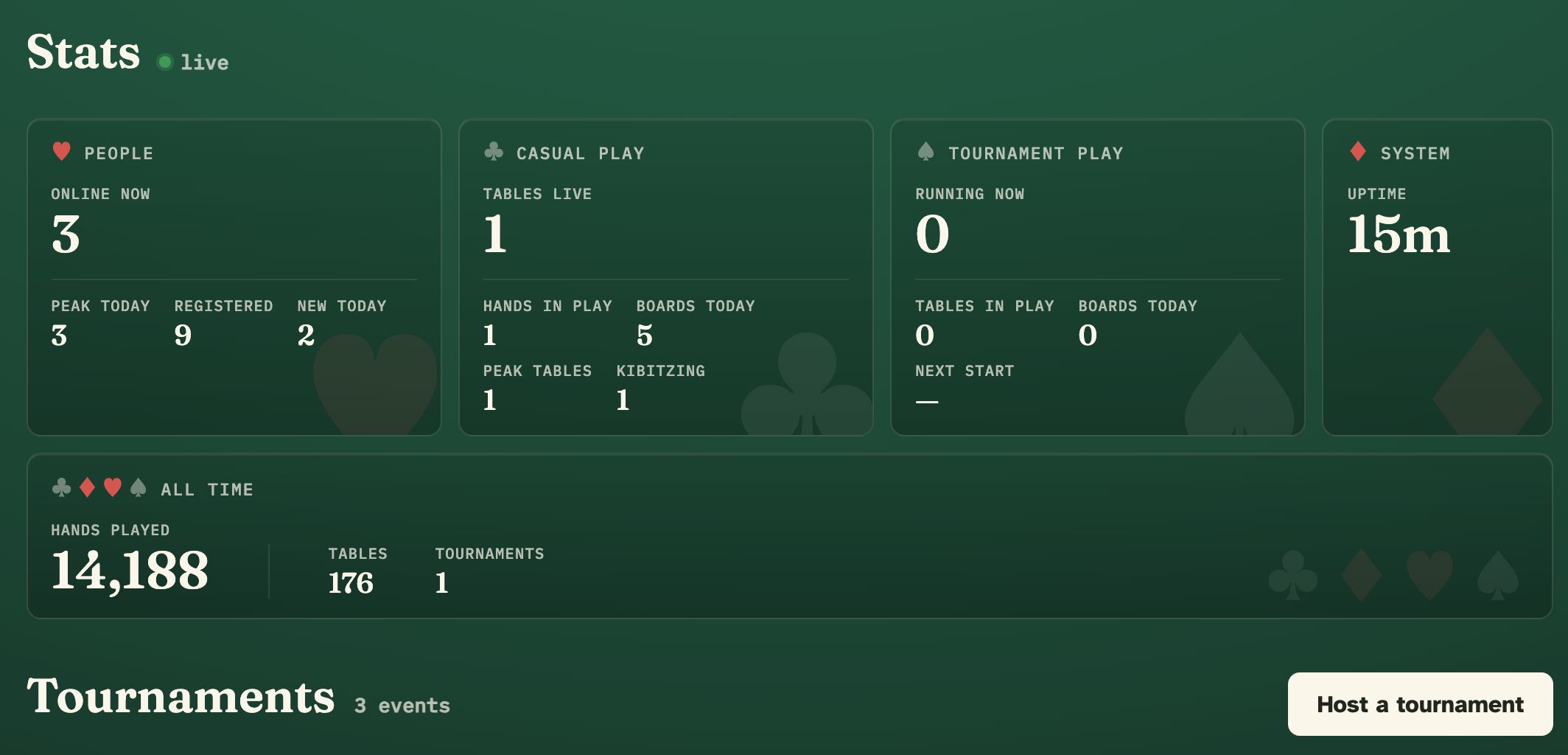
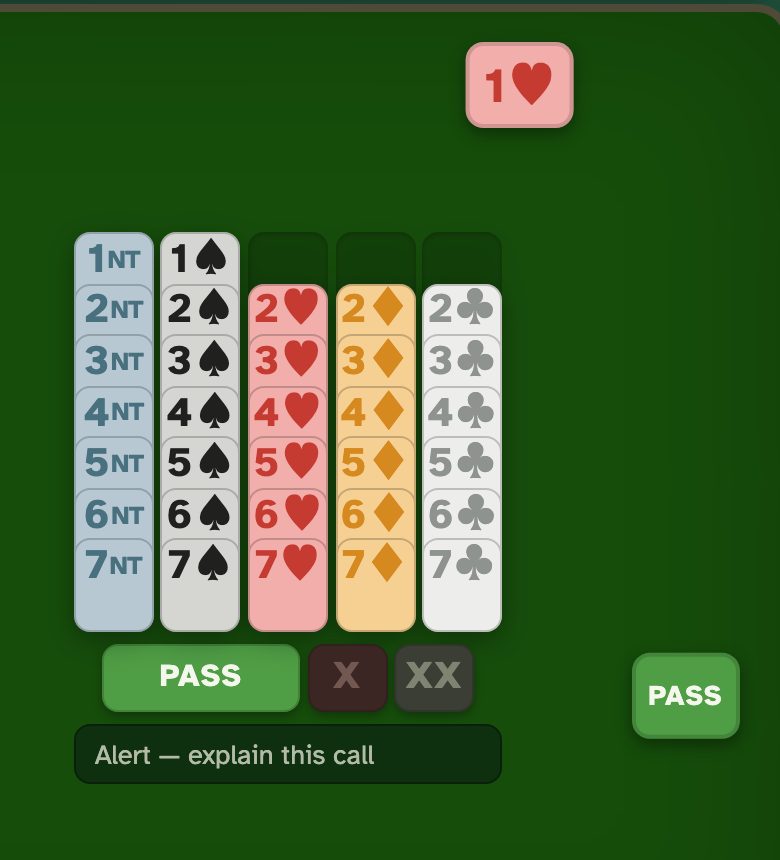
There is always a game.
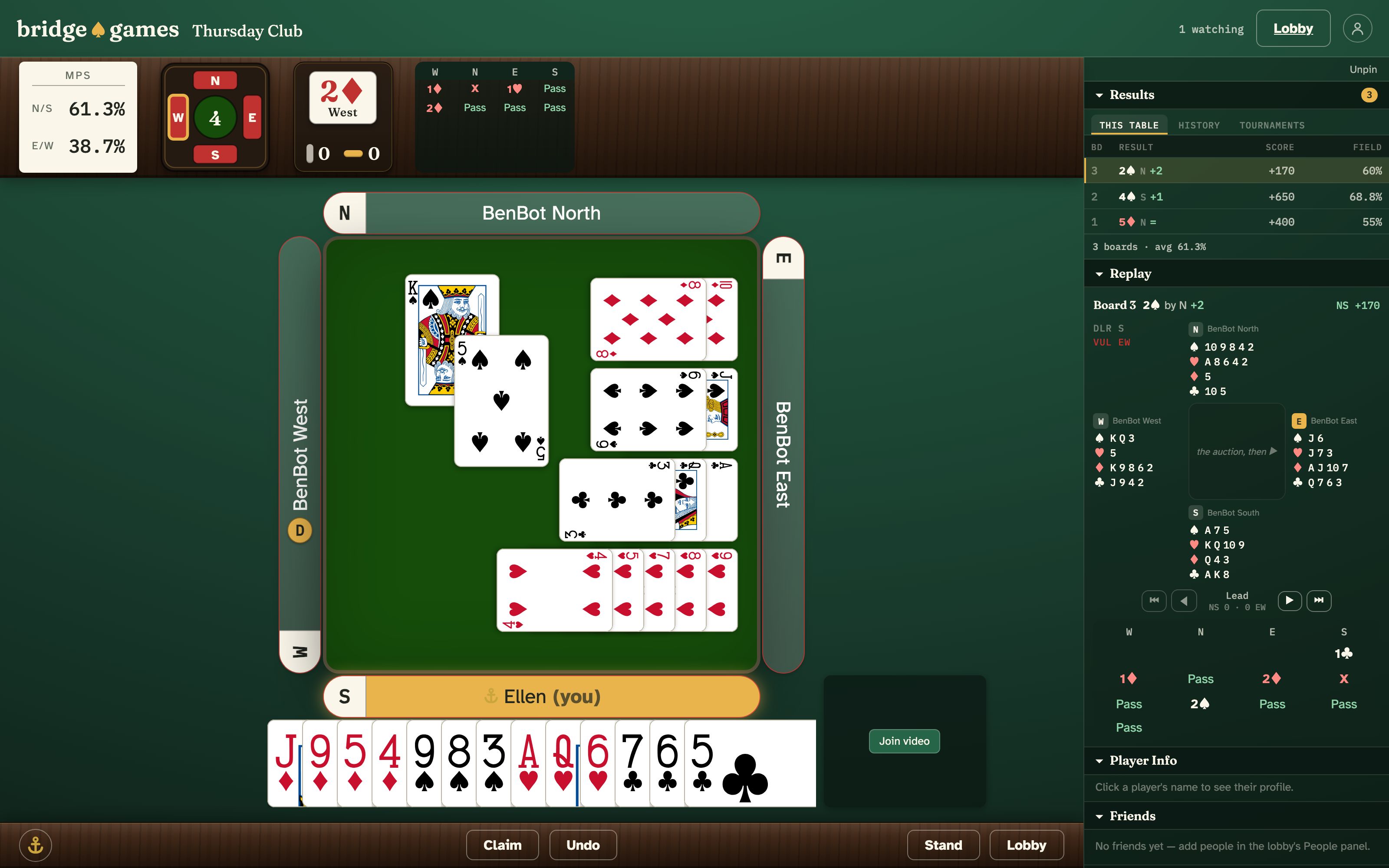
A real club keeps hours. This one does not. Press Play MPs or Play IMPs in the lobby and you are dealt in at once, with a bot as your partner and two more across the table. Or take just one bot to make a fourth. The bots never rush you, and they never sigh at a slow hand.
- Three bots to choose from. BenBot is the default. FastBen is quicker, and slightly weaker. Double Dummy plays with all four hands in view, so you can watch the best line. Its boards are marked and kept out of everyone’s comparisons.
- You play the hand. When your bot partner wins the auction, you can declare it yourself.
- Good for learners. Nobody is waiting on you. Undo is a button where the table allows it. And every hand you play can be replayed afterwards with all four hands showing, so you can see what else was possible.
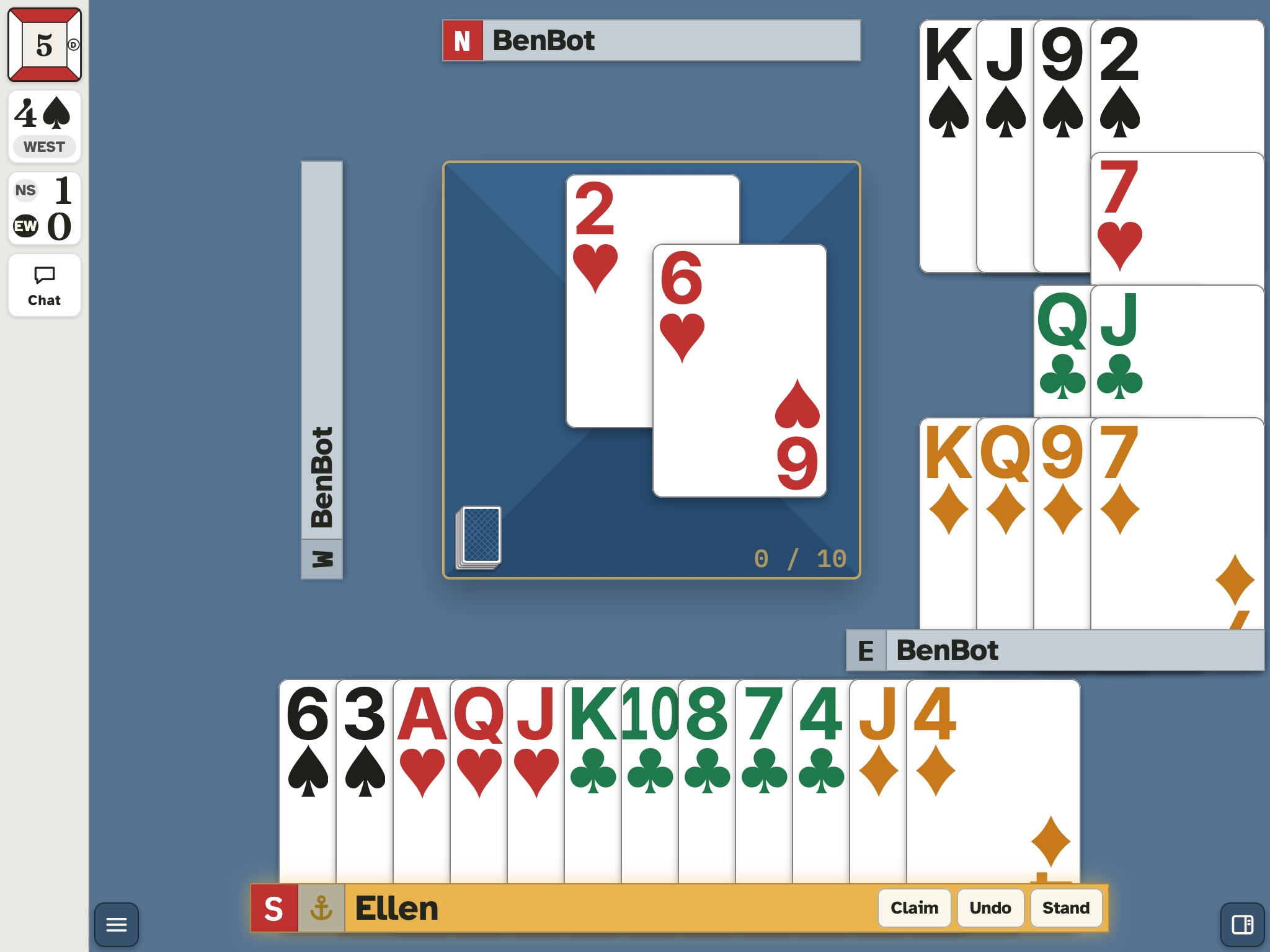
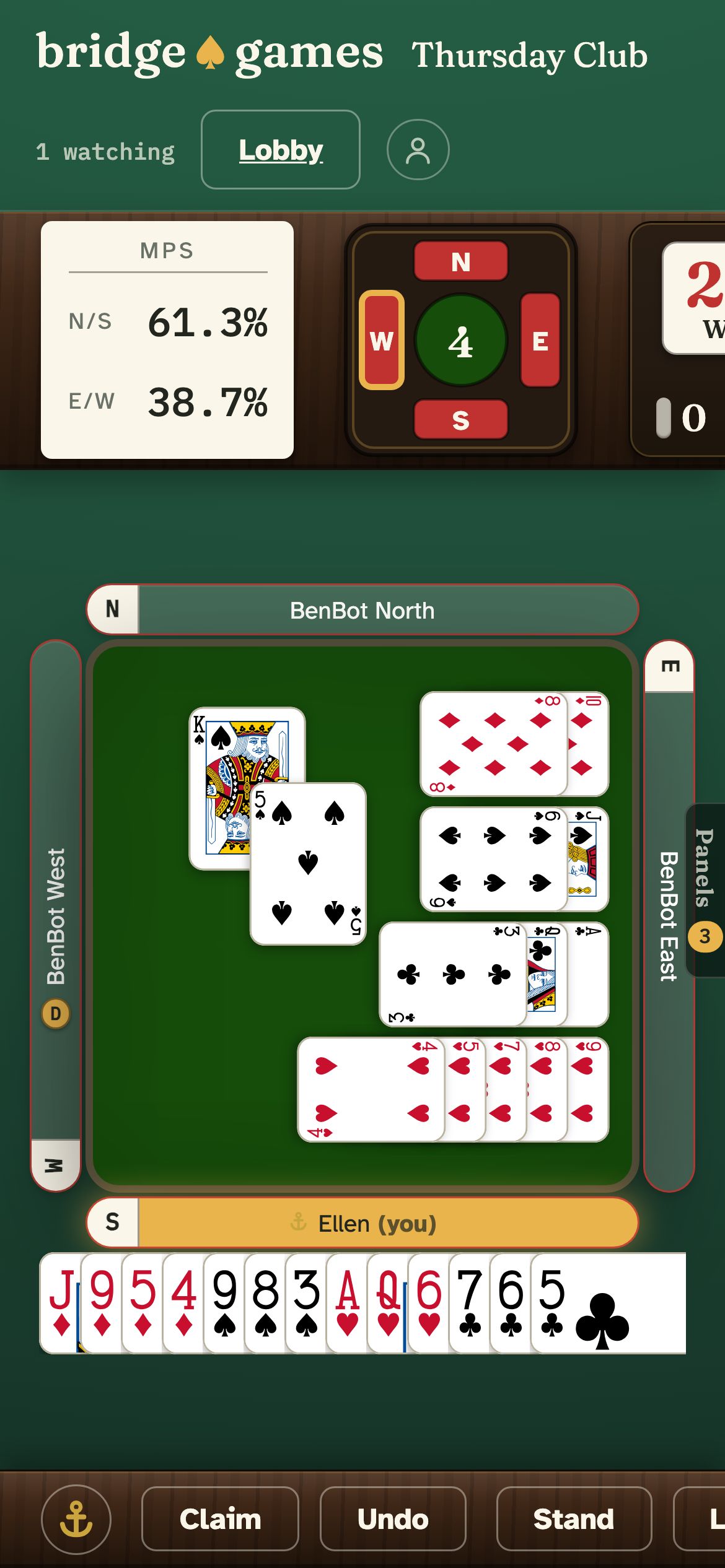
- On whatever you have. A laptop, an iPad or a phone. Cards come in three sizes, so pick the one you can read in comfort. Add bridge.games to your home screen and it opens like an app.
Play with your friends, on your terms.
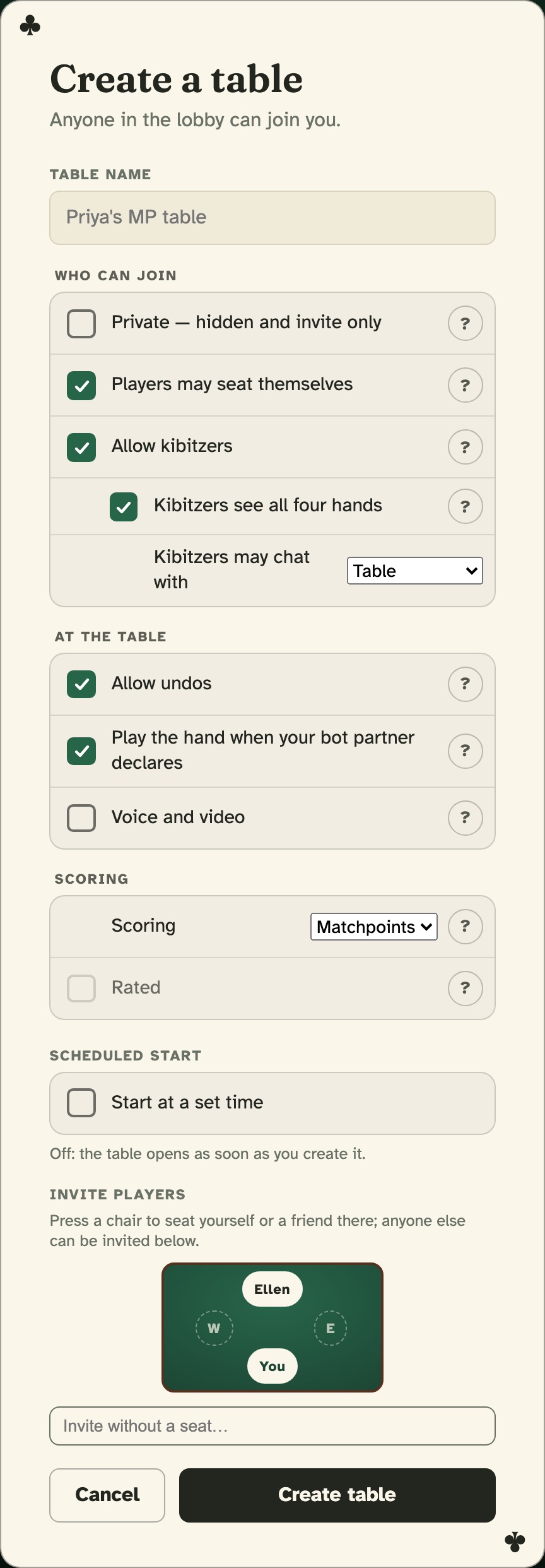
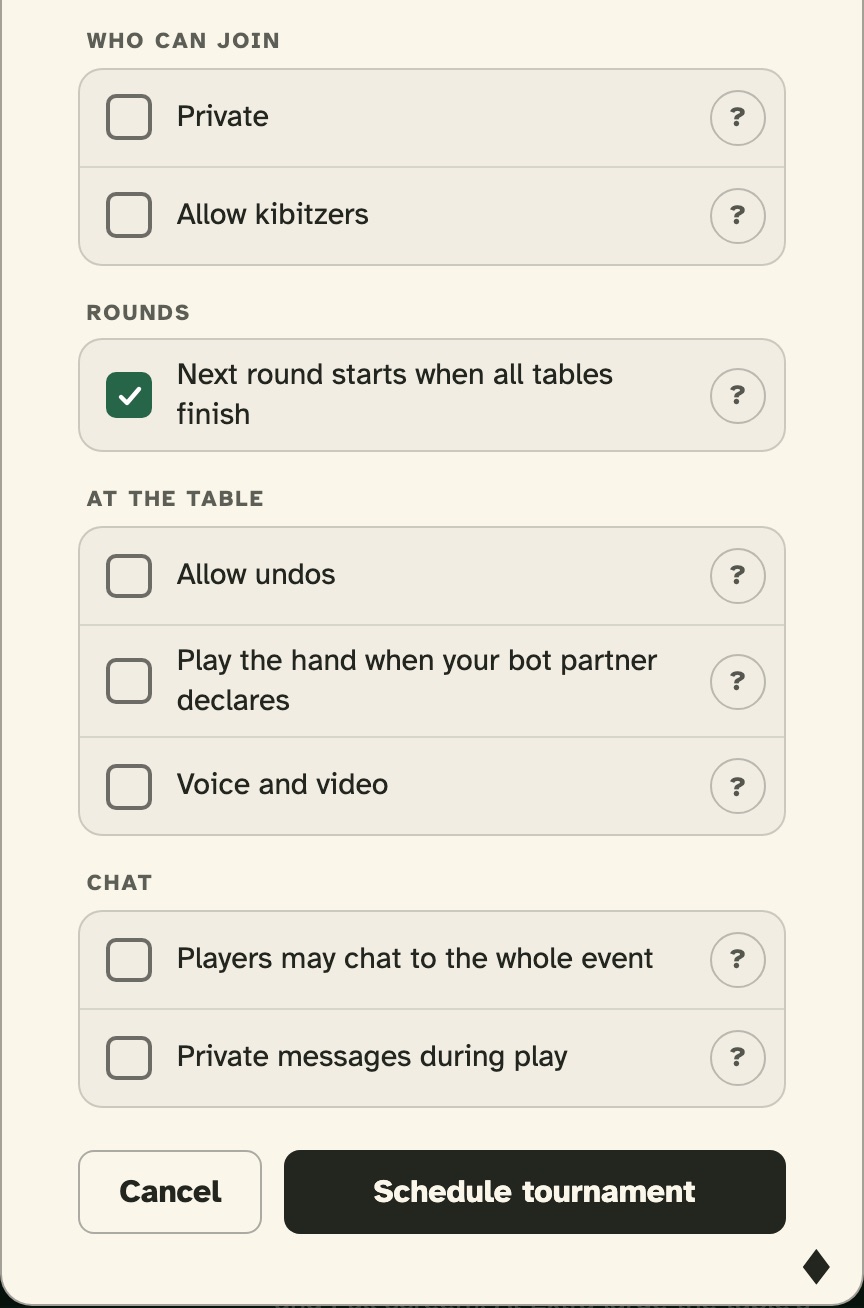
Create a table and you are its captain. Name it if you like. Press a chair to invite a friend into it. Choose who may join and who may watch, whether undos are allowed, and whether voice and video are on. Give it a start time and it waits under Booked, then opens itself. You can change any of it later, without starting over.
- Public or private. Leave “Players may seat themselves” on and anyone can take an empty chair from the lobby. Turn it off and your table shows a padlock. When someone asks to sit, you decide, wherever you are on the site.
- Fill the gaps with bots. A bot takes any empty chair the moment you ask, and gives it back as easily. Two friends and two bots is a table.
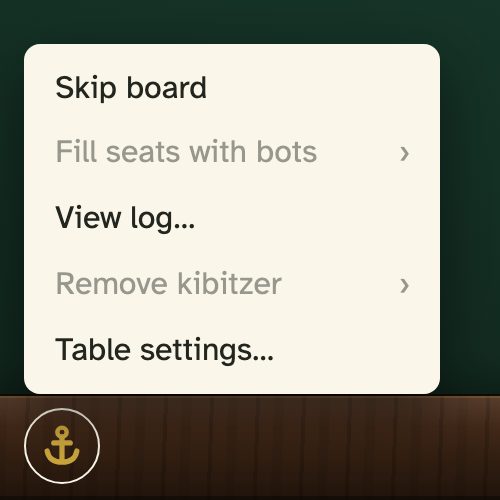
- The captain’s menu. Skip a board, reset the score, seat bots, remove a kibitzer, or read the log of every call, card and seat change.
- Settings in plain words. Who can join, what happens at the table, and how it is scored. Every setting has a ? that says what it does.
Say it across the table.
Talk the way you would at a real table. Chat with everyone, with your partner between hands, or with either opponent. Send a direct message to a friend anywhere on the site. And when your table wants to see each other, turn on voice and video.
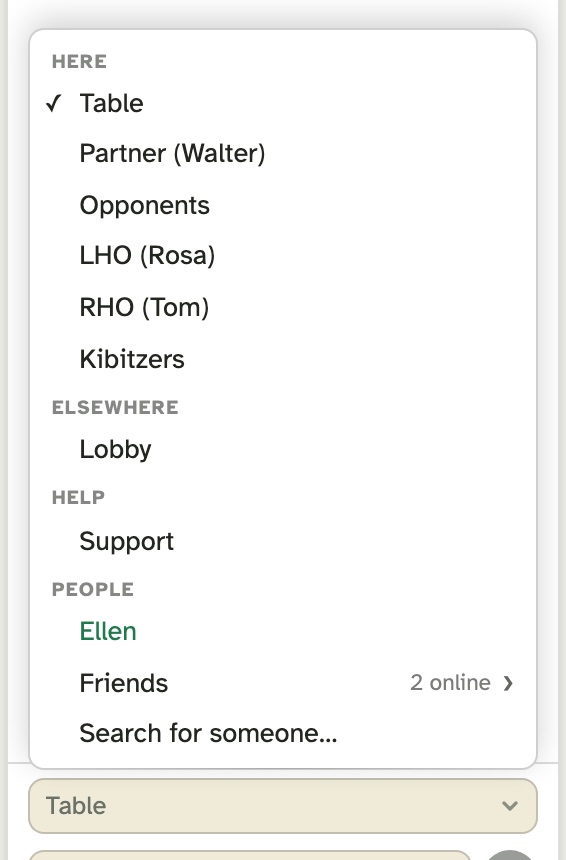
- Pick who hears you. Table, Partner (between hands), Opponents, either opponent by name, the kibitzers, or the director at an event. Choose Support and the people who run the site answer you right there.
- Direct messages. A message reaches any member who is online, on whatever page they are on. Friends show in green, and a soft chime tells you when a message is for you.
- Voice and video, when the table wants them. They are off until whoever creates the table ticks Voice and video, or the captain turns them on. After that you see and hear whoever switches on a camera or microphone, and yours stay off until you choose. Video keeps to the corners, never over the cards. Phones play cards-only.
- Between you and your table. Your voice and video go straight to your tablemates, encrypted. When a firewall will not allow a direct path, the encrypted stream goes through our relay, still unreadable to us.
Run the game you wish existed nearby.
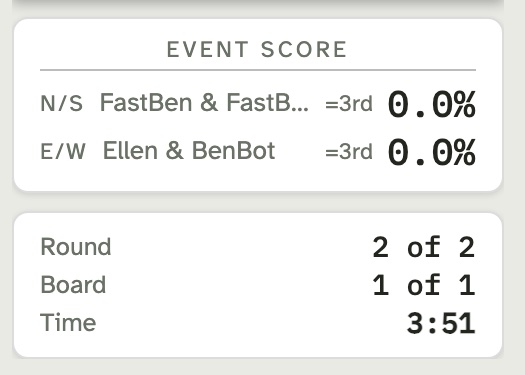
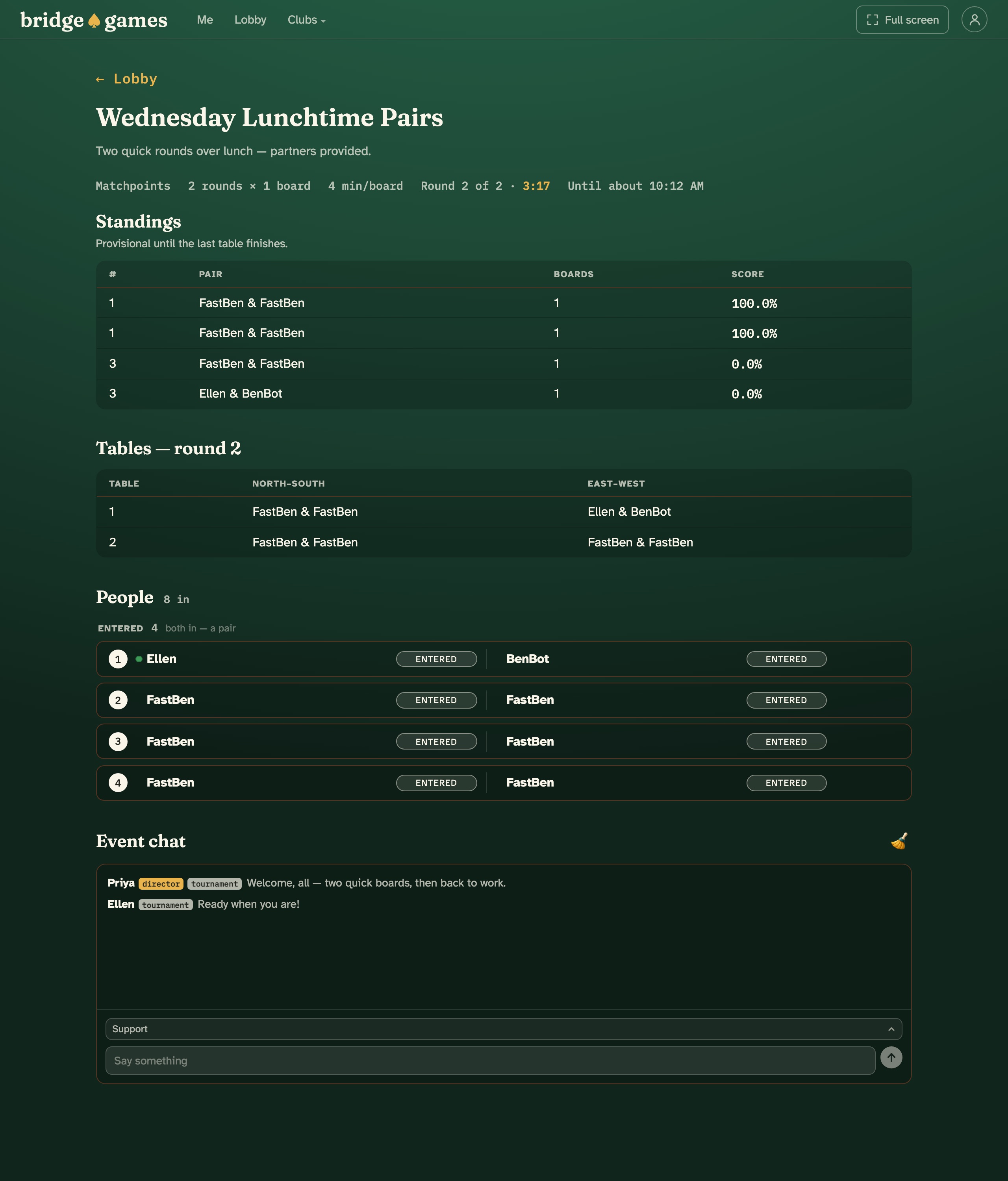
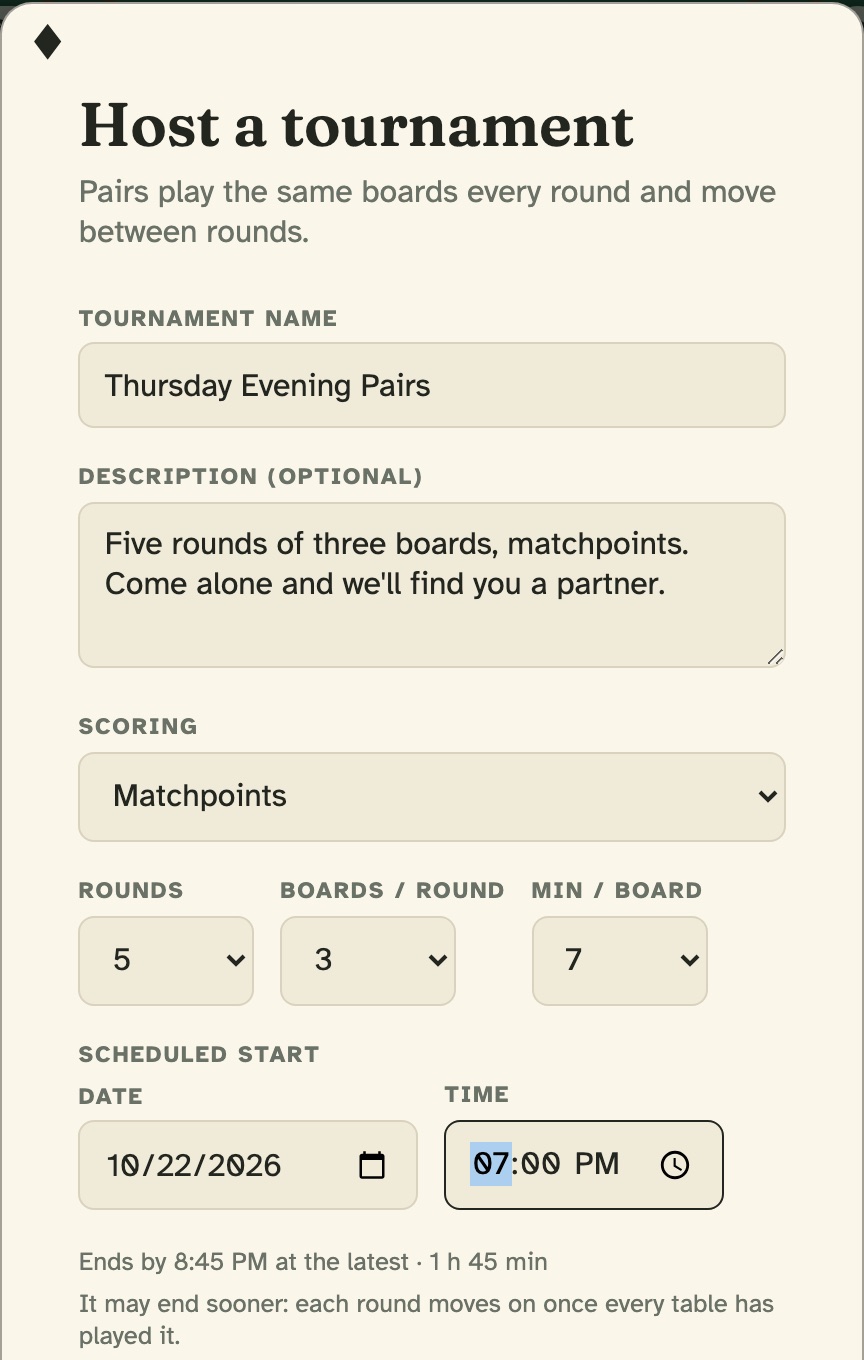
The lobby lists every event with entries open. Step into one alone, or enter with a partner by name. And when you would rather run the game than wait for one, hosting is a button. Name your event, choose matchpoints or IMPs, set the rounds and the clock, and the site seats every pair, moves them each round, and keeps live standings. It even tells you when it will end at the latest. Prefer head to head? Set up a team match: two tables, one scorecard, IMPs.
- Enter alone, play with a partner. Solo entrants are paired at start time. A bot partners the odd one out, and bot pairs fill the field to at least two tables. Nobody registers and sits out.
- Invite your crowd. Invite players by name on the event page, or a whole saved list in one press. Each invitation is emailed, and everyone entered gets a reminder ten minutes before the start if they are not on the site. A private event shows in the lobby only for its own people.
- Round after round, no waiting. Players walk from one round’s table straight to the next. A round moves on ten seconds after its last table finishes, or at the clock. The last board takes everyone to the results.
- Real duplicate scoring. Matchpoints as a percentage of the field, or cross-IMPs on the standard scale.
Play any hand again, and see what you missed.
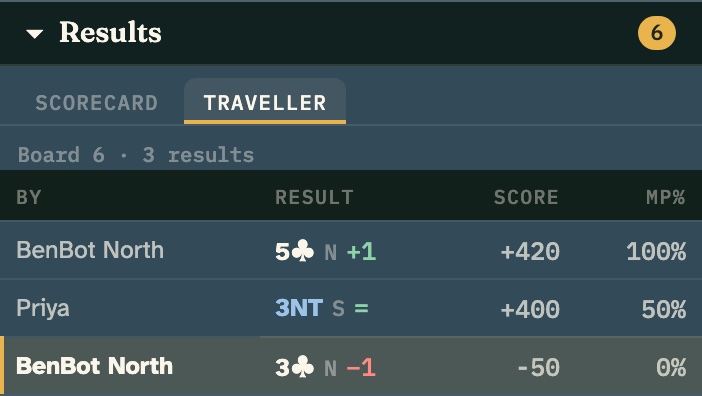
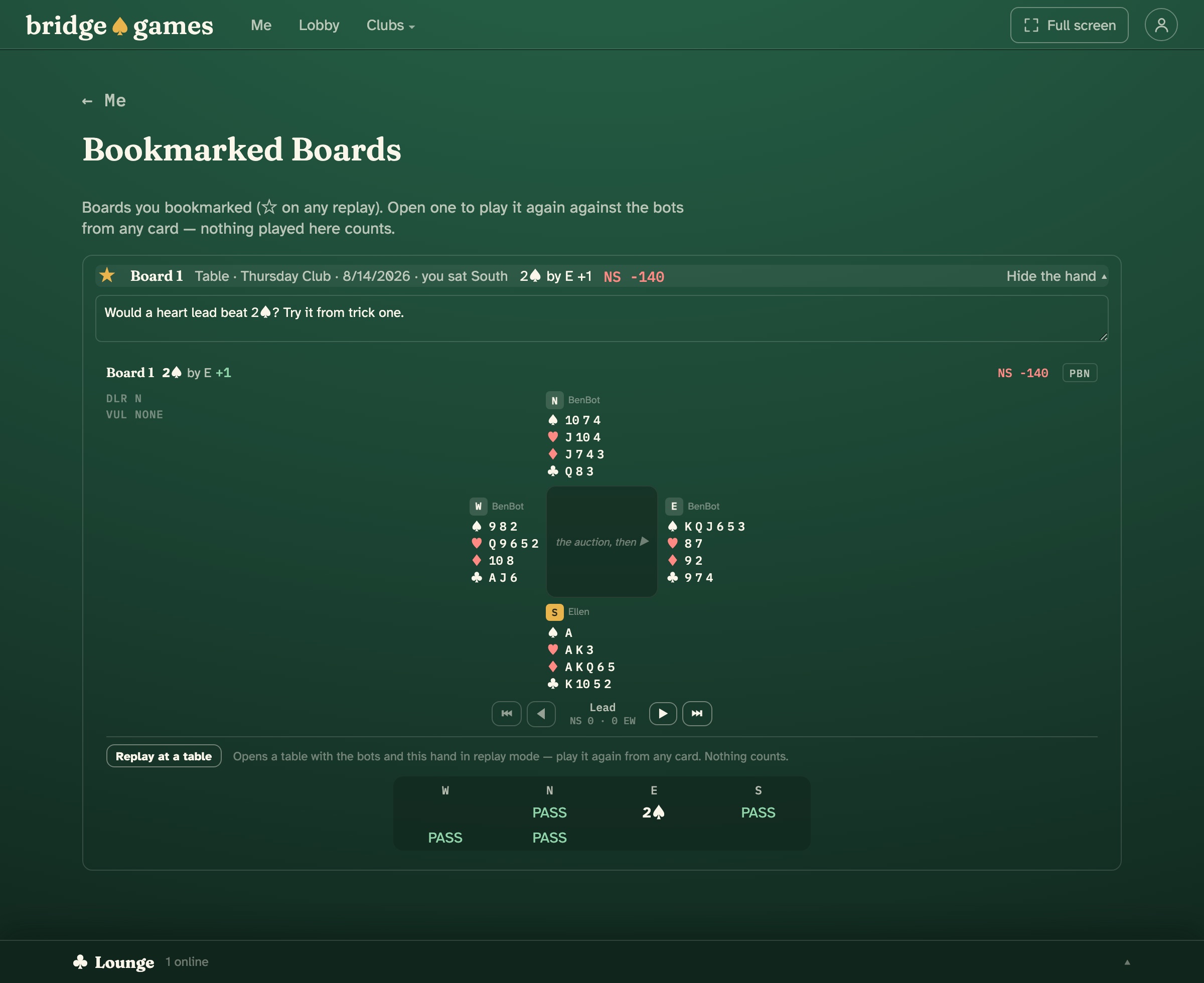
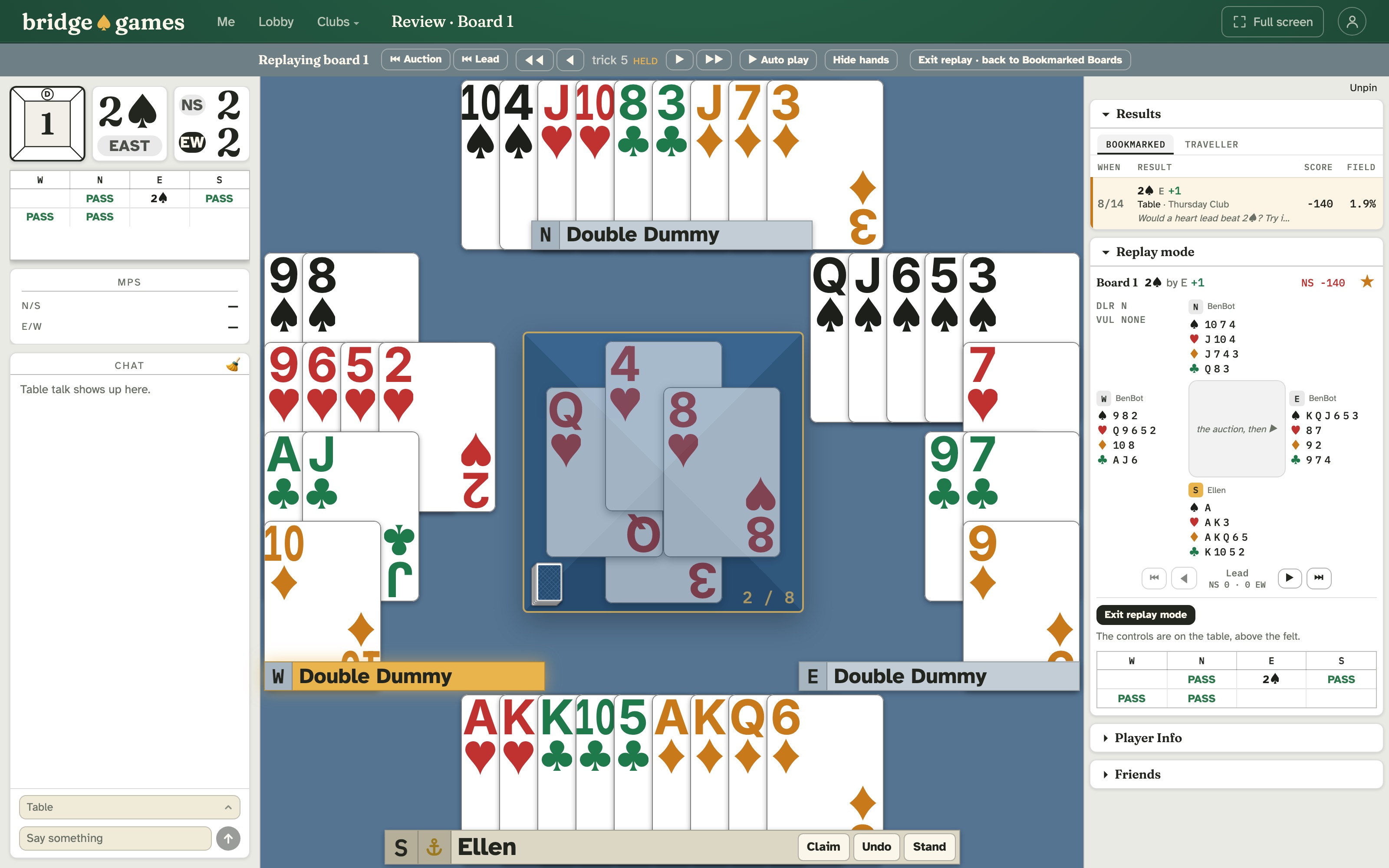
Every hand you play is kept: the full deal, the auction, the play card by card, and how you did against everyone else who held your cards. Any hand you have played or watched can be played again at a private table of your own, against the bots, from any card. Step back to the lead, take over, and try the line you wish you had found. Nothing in a replay counts. Beginners learn a hand this way. Experts settle arguments.
- All four hands on show. A replay opens with every hand face up, so you can see why a line works before you try it. Hide them to test yourself.
- From the table you are sitting at. Open any board in the scorecard and press Replay mode. Your seat is held while you experiment, and you come back to it when you are done.
- Bookmark it for later. The star on any replay keeps the hand, with a note, under Bookmarked Boards.
- Compare with the field. The traveller shows every table that held your cards, with their contract, their result and their score. Your own row is marked.
- Fresh boards, always. You are never dealt a board you have already played, or even watched.
Your club, online, with everyone in it.
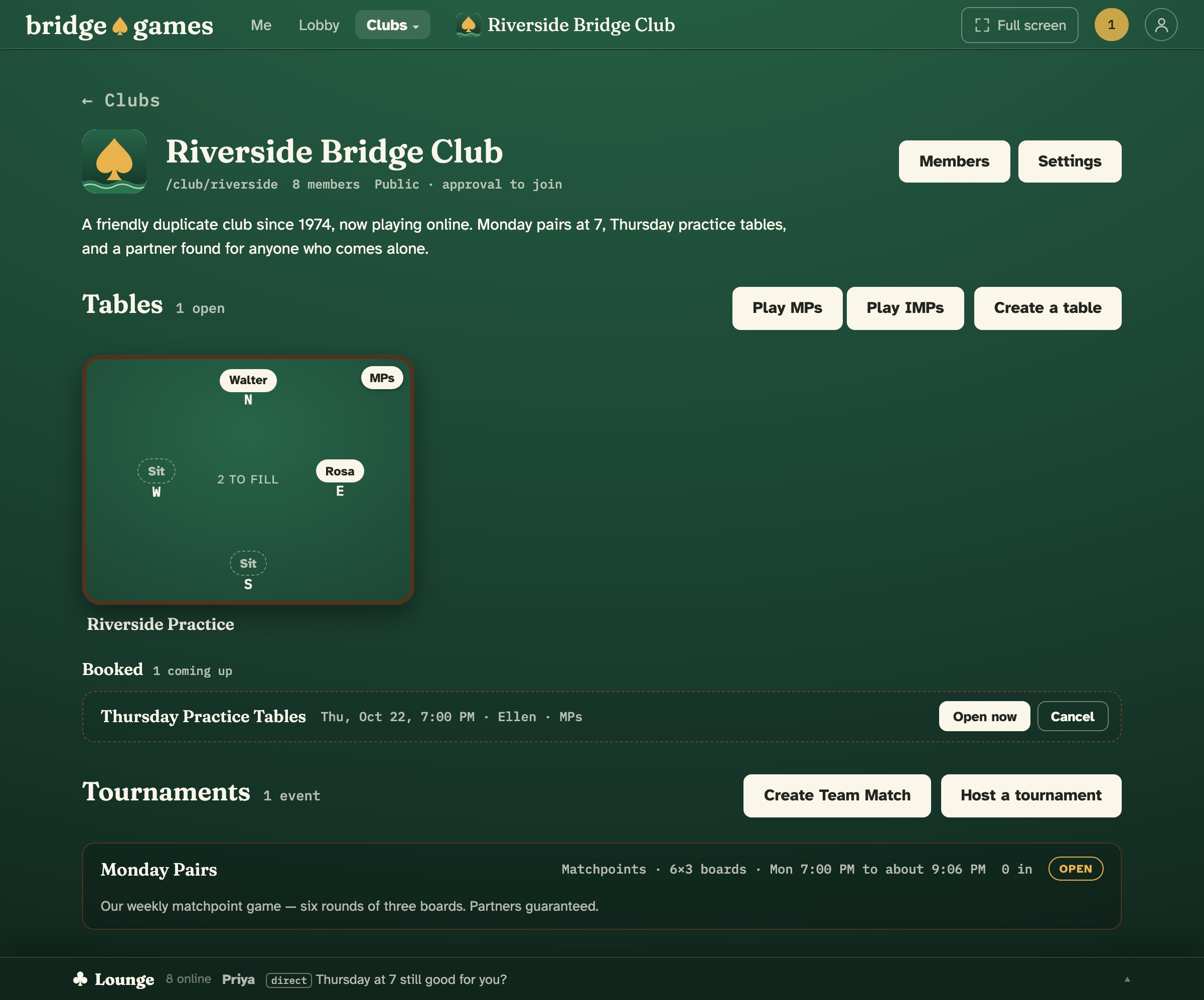
A club on bridge.games has its own page, with the same tables, booked tables and tournaments as the lobby, for its members. Make it public, open to anyone or with your approval. Or make it private, by invitation only, with its page, its members and its games for members alone.
- Bring everyone at once. Paste your members’ email addresses. Anyone not yet on bridge.games gets a link that signs them up and puts them straight in the club.
- Share the work. Any member can open a table in the club. You and your managers host its tournaments and approve who joins.
- Your own director. Your club’s games are run by your club’s people, the way they are now.
From the dealer
Built by a bridge player, for bridge players.
I built bridge.games because I wanted somewhere to play that felt like my own club: friends at the table, a game whenever I wanted one, and nobody charging at the door. Bridge is the best card game there is, and the more people who play it, the longer it lasts. That is the whole idea behind this site. Pull up a chair, and tell me what your table needs.
— Denny, bridge.games
Three steps and you are playing.
-
Create your free account
A username, an email and a password. You are in the lobby in under a minute. Nothing to install, nothing to pay.
-
Take a seat
Press Sit on any open chair in the lobby, or Play MPs to be dealt in at once with three bots. Or create a table and invite friends to its chairs.
-
Play, and see how you did
Every board is scored against the field and kept for replay. When you are ready, host a tournament, or bring your whole club.
Fair questions, straight answers.
- Is it really free?
- Yes. No subscription, no add-ons, no payments of any kind. Bots, tournaments, clubs, voice and video, and replay are all included. A free account is all we ask for.
- I’m new to bridge. Can I play here?
- Yes. Sit down with three bots and nobody is waiting on you. Undo is there where the table allows it. Afterwards, replay the hand with all four hands face up and see what else was possible. There are no lessons here yet, just a patient table.
- Is there anything to download?
- No. bridge.games runs in your web browser on a computer, tablet or phone. Nothing to install, nothing to update. On an iPad or iPhone you can add it to your home screen, and it opens like an app.
- Can I play against the computer?
- Yes. Press Play MPs or Play IMPs in the lobby and you are dealt in at once, with a bot in each of the other three seats, at any hour of the day. Or mix and match: one bot to make a fourth, two to make up a table with a friend.
- Do I need an account?
- Yes, a free one. A username, an email and a password, and you are in the lobby in under a minute. Your account is what keeps every hand you play and scores it against the field.
- Can I play with my friends?
- Yes. Create a table, press a chair to invite a friend into it, and tick Voice and video if you would like to see each other. Or host a tournament for your whole crowd.
- Can I talk to my partner?
- Between hands, yes. Choose Partner in the chat. While a hand is being played, partner chat is closed, as it is across a real table, but you can talk to the whole table or the opponents at any time. With voice on, everyone at the table hears what is said.
- Does it work on a tablet or a phone?
- Yes. On a tablet, choose Large or Extra large under Card size and the cards fill the screen. Each device keeps its own size. Tap Full screen, or add bridge.games to your home screen, and the browser’s bars go too. Phones play cards-only; voice and video need a computer or tablet.
- Can my club play here?
- Yes. Start a club under Clubs, next to Lobby, and it gets its own page with its own tables, booked tables and tournaments. Make it public or private, and invite your members by name or by pasting their email addresses. More for clubs.
- Can I play a hand again?
- Yes. Any hand you have played or watched can be replayed at a private table against the bots, from any card, with all four hands showing. Star it to keep it under Bookmarked Boards for later. Nothing played in a replay counts.
- Is it duplicate bridge?
- Yes. Every board, at a casual table or in a tournament, is scored against everyone on the site who played the same cards, by matchpoints or IMPs, and kept for replay.
- Is the deal protected?
- Yes. Your browser only receives what your seat is entitled to see: your own hand, dummy once the lead is faced, and the whole deal once the board is over. The server holds the rest. The bots read the same single-seat view a person gets. The one exception, Double Dummy, is marked, and its boards are kept out of everyone’s comparisons.
The table is set.
Bridge for every level, at any hour. No subscriptions, no add-ons, no payments of any kind.
Create your free accountQuestions first? Write to us: hello@bridge.games